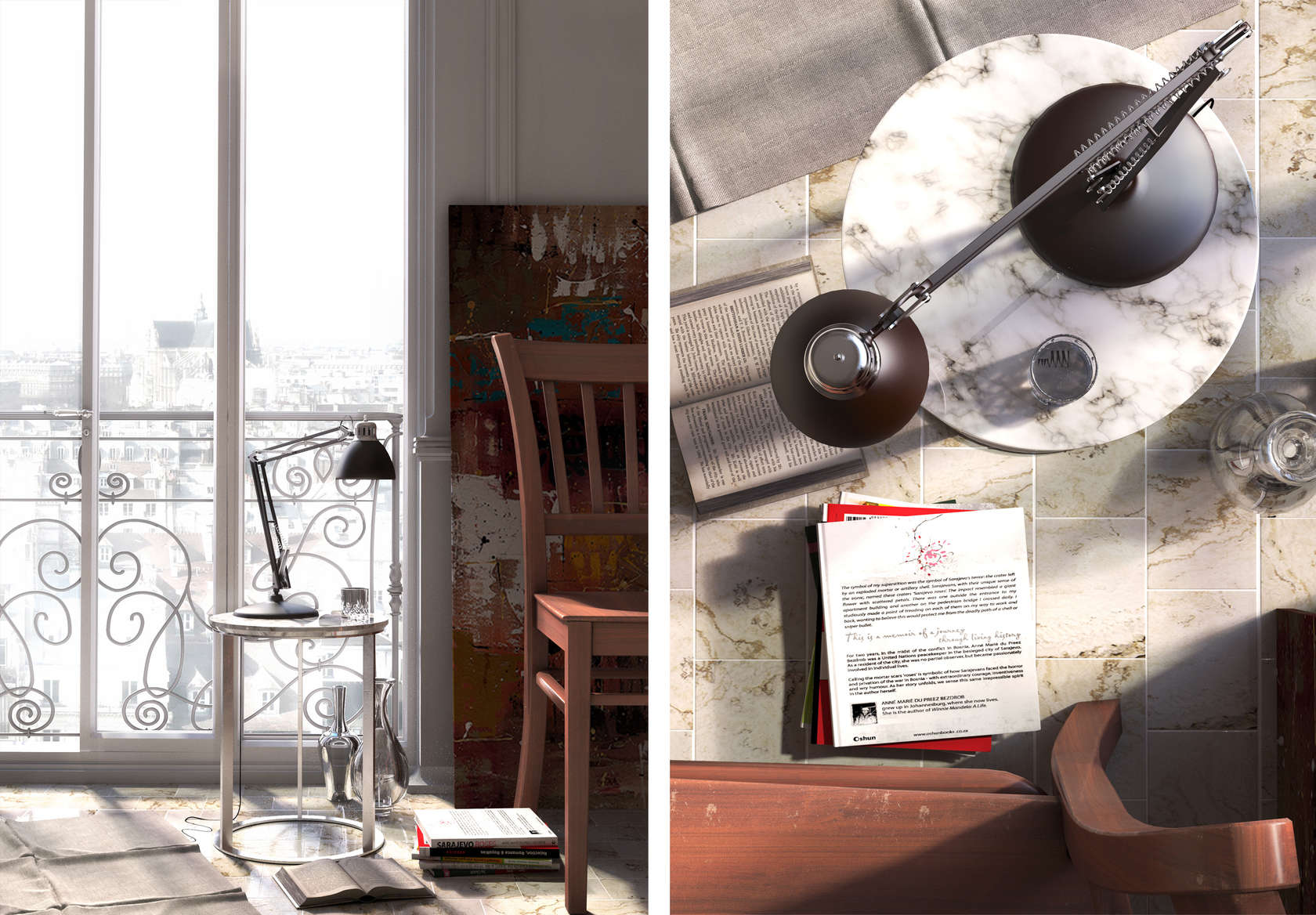

3ds Max is an immensely powerful program with a myriad of features and capabilities that require time and practice to master. However, it is intuitive enough for one to grasp the basics relatively early on, and the possibilities of creation are truly fantastic. Part of the beauty of the design process, of course, is that there is always room to improve the way you work and scrutinize what you create. Here are a few basic points for consideration and working tips for designing and creating with 3ds Max. Naming, layers and groups 1. Deal with geometry When modeling in 3ds Max or dealing with geometry, always use a 1:1 scale and give elements logical names. It will be far easier to identify “South Wall” than “Box 095” in a complex scene. Use layers and the Group function to group multiple elements together, and when making repetitions of the same thing, create instances instead of outright copies. That way, when you make a geometry or material change on one item, all of the instances will also change accordingly. 2. Isolate In complicated scenes, isolating individual objects (right click > Isolate) will allow you to focus on editing ... , Douglas Fenton, read more http://ift.tt/1TOIpaf


Yorumlar
Yorum Gönder